

Quick answer: Innovative web development is the practical application of modern architectures, toolchains, and process discipline to build customer-facing websites and web apps that reduce time-to-market and improve conversion. It combines architectural choices such as headless CMS or JAMstack with serverless or containerized backends, design systems, automated testing, and measurable launch artifacts (deployment pipeline, performance budgets, accessibility checks). The priority for business teams is predictable scope, clear trade-offs between speed and customization, and an operational plan for post-launch maintenance.
Why innovative web development matters for product and brand teams
For founders, marketing managers, and product owners, the term translates to two concrete outcomes: faster delivery of features customers can use, and a lower ongoing maintenance burden. That matters when a seasonal product launch, a trade show, or a mobile promotion imposes a hard deadline. Innovative approaches reduce the number of late-stage integration surprises: fewer monolith upgrades, fewer blocking CMS migrations, and clearer release windows.
This section outlines the practical stakes and how agency scope boundaries usually fall. Typical scope includes discovery, information architecture, design system, front-end implementation, backend integrations (payments, inventory, authentication), QA, and a 30–90 day maintenance window. Stakeholder approvals commonly needed: product owner sign-off on feature scope, brand approval on visual direction, legal sign-off on terms/forms, and IT approval for domain and hosting access.
Common friction points in projects
- Unclear content ownership. If marketing retains content control but engineering controls templates, publishing schedules stall.
- Legacy integrations. Payment gateways or ERP endpoints that lack modern API support often require middleware.
- Approval bottlenecks. A single brand approver can add weeks unless the approval criteria are defined in discovery.
A constructive first move is to lock a small set of acceptance criteria during discovery (e.g., three user journeys to test: browse, add-to-cart, contact form) and treat everything else as scoped for later sprints.
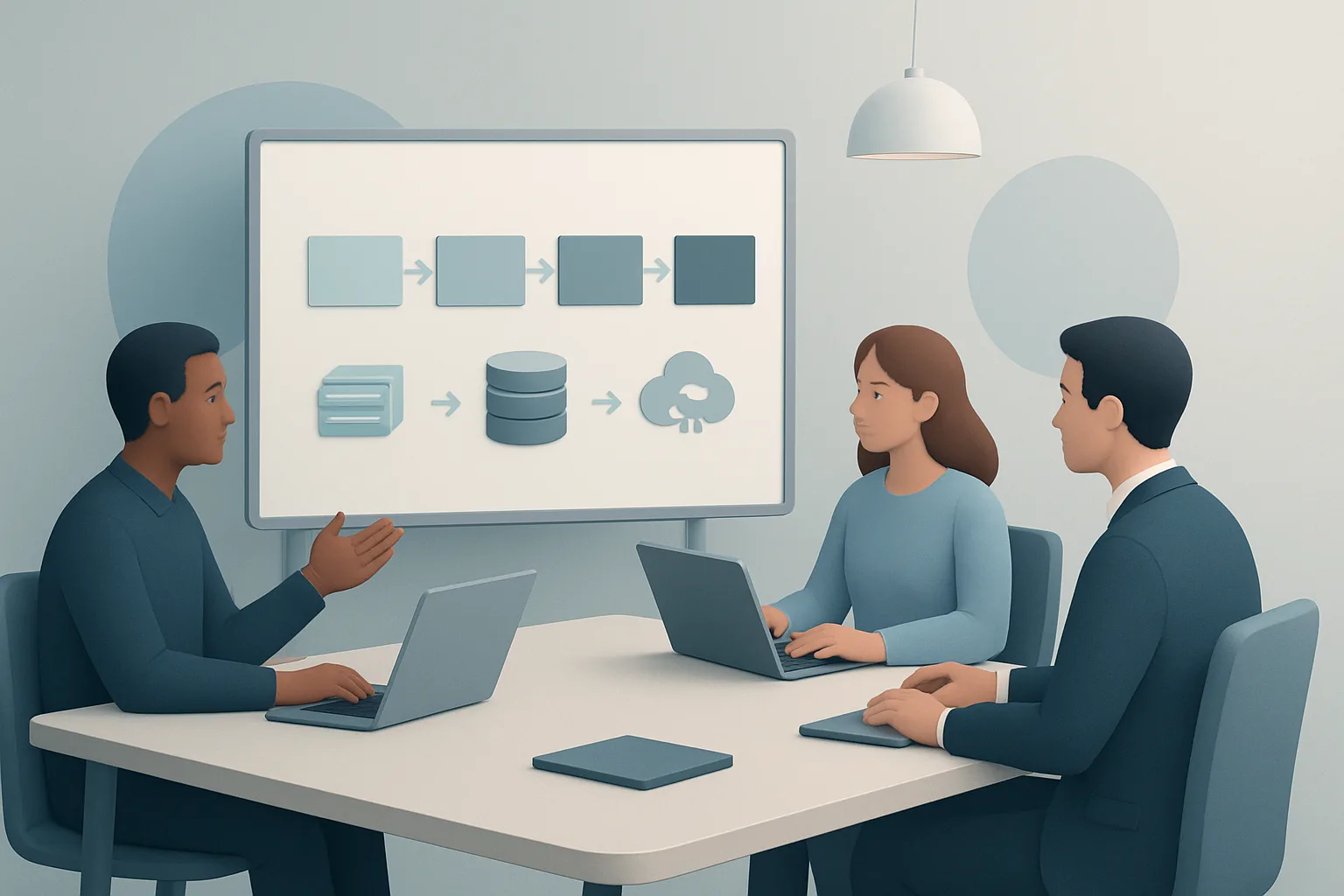
Core architectures and the trade-offs you must decide
Pick an architecture to match business constraints, not trends. Below are commonly used approaches and realistic trade-offs.
-
JAMstack (static pre-rendering + APIs)
-
Pros: fast page loads, simpler horizontal scaling, CDN-friendly.
-
Cons: dynamic interactions (complex carts, personalization) require client-side API work or serverless endpoints; build times grow with large catalogs.
-
Typical use: marketing sites, product landing pages, brochure e-commerce with headless cart.
-
Headless CMS with server-rendered front end
-
Pros: author-friendly content workflows, near-real-time updates, good for editorial brands.
-
Cons: requires reliable API uptime and careful caching; editorial previews need additional plumbing.
-
Typical use: brands with frequent content updates and complex editorial needs.
-
Traditional monolith (integrated CMS + app)
-
Pros: fewer integration points, simpler for small teams, mature plugins for commerce.
-
Cons: upgrades can be risky; scaling may require full-application replication.
-
Typical use: small catalog e-commerce or when migration cost to headless is prohibitive.
-
Serverless functions and microservices
-
Pros: cost-effective for spiky traffic, isolates risky services, enables incremental upgrades.
-
Cons: operational complexity (observability, cold starts), vendor lock considerations.
-
Typical use: authentication, image processing, webhooks, payment event handlers.
A concise criteria snapshot to compare approaches (effort, risk, time-to-impact):
| Approach | Effort to Implement | Risk (integration/ops) | Typical Time-to-Impact |
|---|---|---|---|
| JAMstack | Low–Medium | Low | Fast (weeks) |
| Headless CMS + SSR | Medium | Medium | Moderate (weeks–months) |
| Monolith | Low | Medium–High | Fast for simple use, slow for |
| Serverless/Microservices | Medium–High | Medium | Moderate (depends on infra) |
Use this table as a decision aid in discovery: match the chosen approach to the product roadmap (do you need marketing speed or complex personalization?), hosting budget, and an operations owner.
Tooling, workflows, and delivery rhythm that reduce surprises
Tool choices and the CI/CD pipeline determine how often you can release safely.
Essential tooling and why they matter
- Version control: Git with protected branches and pull request templates sets a quality baseline.
- Build system: frameworks like Next.js, Gatsby, or SvelteKit for front-end; choose based on server rendering needs and developer familiarity.
- CMS: headless options (Contentful, Strapi, Sanity) for structured content; lightweight admin tools for smaller teams.
- Hosting/CDN: providers that support preview URLs and atomic deploys reduce content publishing risk.
- Observability: error tracking (Sentry), uptime checks, and basic logs for serverless functions.
Delivery rhythm and stakeholder reporting
- Weekly sprint demo: show working increments to the product owner and marketing lead.
- Bi-weekly backlog grooming: include the brand approver so visual scope stays predictable.
- Launch readiness checklist: domain/DNS confirmed, SSL installed, analytics and error tracking configured, accessibility and basic security scan completed.
A common client mistake is treating design sign-off as the final word. In practice, engineering needs a second approval window for integration-level UX (responsive breakpoints, form validation, multi-step flows). Insert a technical sign-off milestone into the timeline.
Implementation framework: turning architectural choice into an execution sequence
This is a repeatable sequence agencies use to turn discovery into a shippable product. Each phase lists concrete outputs and common tools.
- Discovery (1–3 weeks)
- Outputs: prioritized list of user journeys, required third-party integrations, success criteria for launch.
- Tools: stakeholder interviews, content inventory spreadsheet, simple prototype (Figma).
- Common trap: over-scoping the first release. Fix: limit to core journeys.
- Strategy and design system (2–4 weeks)
- Outputs: component library (Figma + Storybook), information architecture, content model for CMS.
- Tools: design tokens, accessibility checklist, acceptance criteria per component.
- Stakeholder detail: brand team approves color, typography, and three component states (default, hover, disabled).
- Development (4–12 weeks, iterative)
- Outputs: front-end components tied to CMS, backend endpoints or serverless functions, test suite (unit + integration), staging deploys with preview content.
- Tools: Git workflow, CI pipeline, automated tests, preview environments.
- Reporting rhythm: twice-weekly build status and one sprint demo per week for key stakeholders.
- Launch and handoff (1–2 weeks)
- Outputs: production deploy, rollback plan, runbook for common tasks (cache purge, recurring tasks), 30–90 day support window.
- Tools: runbook document, monitoring dashboards, scheduled post-launch check-ins.
- Recommended CTA on site: Request a Quote or Let’s Connect for a launch readiness review.
Concrete example of a single-feature rollout (implementation example)
- Feature: Headless product catalog with fast filters.
- Tools: Next.js for hybrid rendering, Sanity as headless CMS, Algolia for search, Vercel for hosting.
- Timeline: discovery (1 week), content model & design system (2 weeks), implementation + iterated filters (4 weeks), staging testing and launch (1 week).
- Output: componentized product item, paginated API, instant filter UX powered by Algolia.
Real-world cases and what changed the decision
Seasonal product catalog that needed sub-hour updates
A brand with frequent SKU changes chose a headless CMS with a serverless webhook that invalidates CDN caches when an item changes. The operational trade-off: marginally higher hosting complexity in exchange for immediate content freshness and predictable deployments. The project scoped a two-week window for web ops training during handoff.
Brochure site that needed maximum speed and simple publishing
A small product brand used a JAMstack site with Markdown-driven pages and a lightweight CMS for non-technical editors. Build times were reduced by limiting the number of pre-rendered pages and using on-demand rendering for seldom-visited pages. Scope control was critical: marketing agreed to a content freeze window during major promotions.
Large catalogue with legacy ERP integration
An enterprise product site required middleware to translate SKU and inventory data from an old ERP. The team introduced a microservice layer to avoid changing the ERP and scheduled weekly sync windows. The trade-off: added latency in near-real-time reporting vs. lower risk to ERP operations.
These real choices illustrate the recurring theme: accept a clear trade-off early and budget for the operational burden that follows.
Typical mistakes and corrective steps
- Mistake: over-customizing on day one. Corrective step: prioritize a component library and postpone bespoke pages.
- Mistake: ignoring content authors in tool selection. Corrective step: include two editors in CMS usability testing during discovery.
- Mistake: no rollback or runbook. Corrective step: require an atomic deploy strategy and a 48-hour on-call plan for launch week.
How to evaluate vendors for innovative web development
Ask for deliverables, not buzzwords. Useful requests during vetting:
- A sample runbook or launch checklist.
- A short timeline for an analogous project and a list of approvals needed from client side.
- Names of specific tools and how they will be used (frameworks, CMS, hosting).
When reviewing proposals, watch for scope boundaries. A strong proposal explicitly shows what is out of scope and how change requests will be handled. Confirm the post-launch support window and whether ongoing maintenance is priced as fixed monthly hours or time-and-materials.
If helpful, review the agency’s portfolio; for example, look at Works to see comparable projects and ask about the chosen architecture for each entry.
Next practical steps for your team
- Run a 2–3 hour discovery workshop to enumerate the three highest-priority user journeys.
- Collect the content inventory and list every third-party integration your product requires.
- Request a written launch readiness checklist from any agency before signing.
If you want an external review of architecture choices or a free launch readiness conversation, Request a Quote or Let’s Connect to schedule a short exploratory call.
Frequently asked questions
What is innovative web development and how does it differ from traditional development?
Innovative web development combines modern architectures (headless CMS, JAMstack, serverless), component-driven design systems, and automated delivery pipelines to speed releases and reduce maintenance. It differs from traditional development by decoupling content from presentation, using previews and atomic deploys, and emphasizing repeated safe releases rather than large monolithic upgrades.
How does affect timelines for a site redesign?
Timelines depend on scope, but the method reduces time-to-first-release by favoring an incremental, journey-focused launch. The practical change is that teams often ship core journeys first, then iterate on secondary pages. That requires an explicit approval cadence and a prioritized backlog to avoid scope creep.
What should a business ask an agency about post-launch support for ?
Ask for a runbook with common operational tasks, the length of included support (e.g., 30–90 days), response SLAs for critical incidents, and whether ongoing maintenance is provided as fixed monthly hours or on-demand. Also confirm who will own DNS and hosting accounts and how handoffs will be documented.
Can help with large product catalogs and frequent updates?
Yes—architectures that combine CMS webhooks, serverless endpoints, and CDN invalidation can make frequent updates predictable. However, large catalogs may require on-demand rendering or careful build strategies to keep build times manageable, and middleware may be needed to integrate legacy inventory systems.
How do design systems and component libraries factor into ?
Design systems and component libraries speed implementation and maintain brand consistency. They reduce rework by ensuring visual and interaction patterns are reusable. For vendors, request Storybook previews and an inventory of components tied to acceptance criteria so both brand and engineering can approve them on different schedules.