
Quick answer: Quality assurance in digital projects is the disciplined set of roles, tests, gates, and governance that ensures a website, web app, or mobile product meets functional, performance, security, and accessibility requirements before and after launch. It includes test plans (functional, integration, performance, security, accessibility), clear acceptance criteria tied to user journeys, and release gates enforced by stakeholders and QA tooling. The most important benefit is reduced rework and fewer post-launch incidents, protecting launch timelines and customer experience.
Why QA matters for brands and decision-makers
Digital projects for brand websites, product sites, and mobile apps carry two separate risks: customer-facing defects that hurt conversions, and operational defects that increase support cost. For a product landing page or an e-commerce flow, a single checkout bug can undo weeks of design and marketing work. For custom mobile apps, poor memory or network handling creates uninstalls and bad reviews.
Agency and client teams commonly treat QA as an afterthought. That mistake causes rushed testing windows, missed regressions, and flaky acceptance criteria. Good QA changes the project economics by shifting defects left—catching them during Development instead of after Launch—and by defining who signs off at each stage of Discovery → Strategy → Development → Launch.
Agency-relevant detail: include explicit scope boundaries in the contract for what QA includes (functional tests, cross-browser matrices, performance thresholds, security scans, accessibility audits, post-launch support), and set a reporting rhythm (weekly bug triage during Development; daily during release cutover).
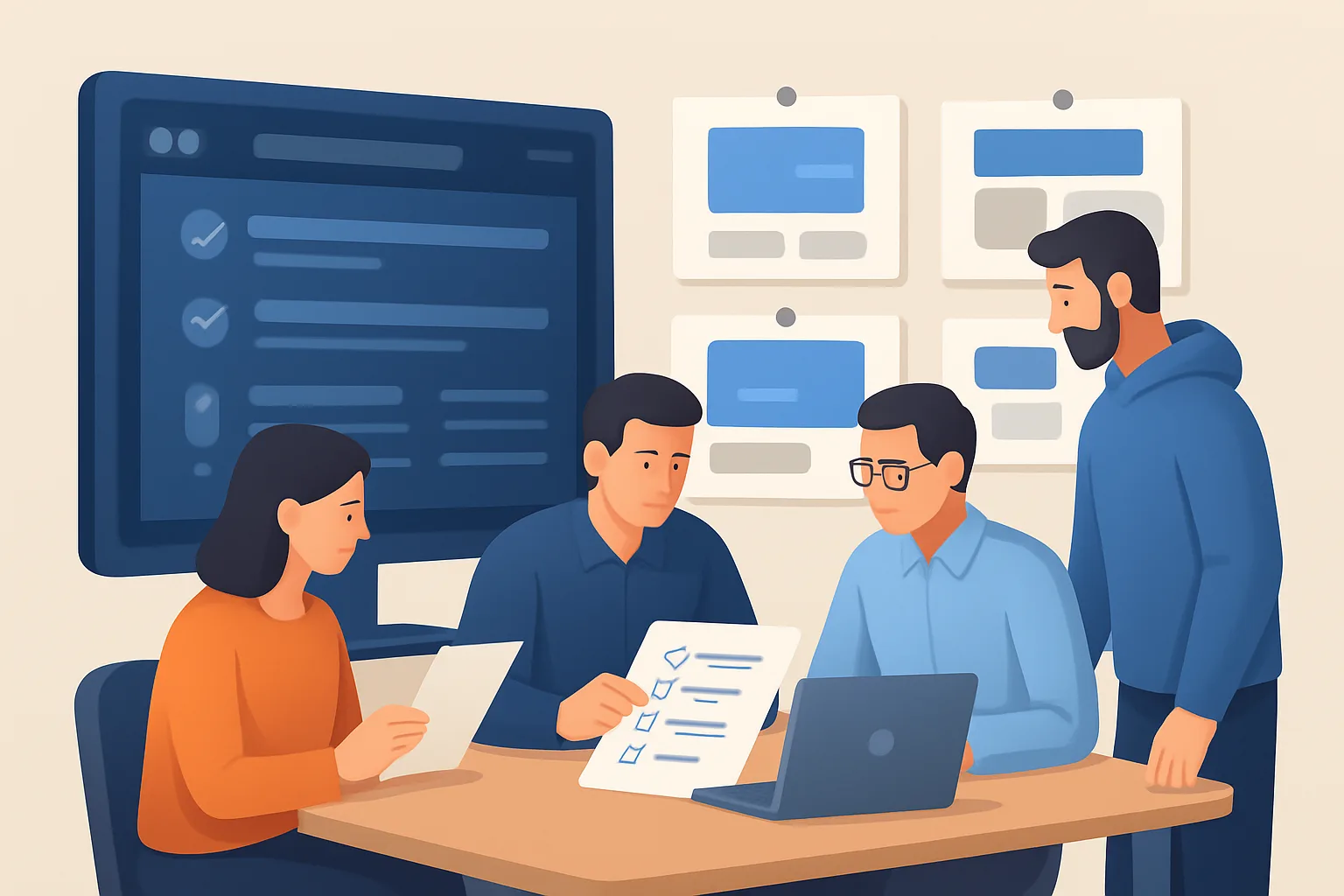
Typical roles, responsibilities, and handoffs
A practical QA organization in a digital project assigns the following roles:
- Product owner / client approver: final acceptance on user journeys and launch permission.
- QA lead: owns the test plan, regression suites, and defect triage.
- Developers: write unit and integration tests, fix defects, and run pre-merge checks.
- Designers: approve visual regression reports and confirm accessibility fixes.
- DevOps/Platform engineer: validates staging environment parity, release scripts, and rollback steps.
Common mistakes and corrections:
- Mistake: QA only begins at the end of Development. Correction: require a minimum passing rate of automated unit and integration tests before a feature branch is merged to main.
- Mistake: Unclear acceptance criteria. Correction: add executable acceptance criteria in tickets (Given/When/Then or plain checklists that map to tests).
- Mistake: Staging differs from production. Correction: define a staging parity checklist that the DevOps engineer signs off before pre-release testing begins.
Agency-relevant detail: include a clause in the statement of work that specifies environments, who owns test data, and the schedule for client sign-offs.
Building a testing plan: what to include and common failures
A practical testing plan has sections for: functional testing, integration testing, performance testing, security checks, accessibility audits, and post-launch monitoring. Each section must list test scenarios, responsible parties, tools, and release thresholds.
Functional testing
- What to test: primary user journeys (signup, checkout, search, account management), edge cases (empty cart, expired tokens), and data flows (CRM and payment integrations).
- Frequent failure: testing with synthetic data only. Use masked copies of production data when privacy rules allow, or build representative fixtures that exercise billing, discounts, and multi-currency flows.
Integration testing
- What to test: third-party APIs (payment gateways, analytics, headless CMS), webhooks, and background jobs.
- Frequent failure: failing to simulate degraded third-party responses. Add contract tests and introduce chaos cases (timeouts, 500 errors) in staging.
Performance testing
- What to test: time-to-interactive on key pages, API latency under expected concurrent users, and mobile network conditions.
- Frequent failure: running load tests only against small staging servers. Use a staging cluster sized to production or cap targets to realistic concurrent sessions and note the environment difference in scope.
Security testing
- What to test: authentication flows, session handling, XSS/CSRF checks, and dependency vulnerabilities.
- Frequent failure: only running automated dependency scans. Include authenticated penetration checks for sensitive flows like payments and account management.
Accessibility testing
- What to test: keyboard navigation, screen-reader flows, color contrast, and semantic markup.
- Frequent failure: relying only on automated tools. Add manual audits for WCAG-critical journeys.
Agency-relevant detail: pick commercial or open-source tools based on client constraints; clarify who will pay for licensed scanners and whether the agency will manage remediation or hand over reports.
Automation vs. manual testing: practical guidance
Automation is best for repetitive checks and regression safety; manual testing is essential for exploratory testing, usability, and accessibility.
When to automate
- Unit tests for business logic and validation.
- Integration tests for API contracts and serializable flows.
- Smoke tests that run on every deployment.
When to test manually
- Usability and visual regressions on product pages or immersive brand pages.
- Accessibility checks that require a screen reader or keyboard navigation.
- Exploratory testing during a major feature cutover.
Common mistakes and corrections:
- Mistake: over-automating brittle UI flows. Correction: automate API-level checks and keep UI automation for stable, high-value journeys.
- Mistake: no maintenance budget for test suites. Correction: treat test maintenance as part of the ongoing support retainer or a discrete sprint in the project plan.
Implementation note: standard tool choices include Jest and Cypress for frontend tests, Playwright for cross-browser automation, JMeter or k6 for load testing, OWASP ZAP or commercial scanners for security checks, and Axe for accessibility. Choose tools that fit the team’s language stack and the client’s CI/CD platform.
Governance, release gates, and post-launch monitoring
A release should only proceed when defined release gates are green. Typical gates:
- All critical and high bugs closed or deferred with written approval.
- Smoke tests pass in staging and a final smoke run in pre-production.
- Performance baselines meet the agreed thresholds for key pages.
- Security scan shows no critical vulnerabilities.
- Accessibility checklist completed for priority journeys.
Common governance mistakes and corrections:
- Mistake: client accepts releases without seeing test evidence. Correction: present a short release checklist report that includes failing test artifacts, screenshots, and a rollback plan.
- Mistake: no post-launch monitoring. Correction: instrument errors, performance, and user-experience metrics that feed a central incident channel and schedule a 48–72 hour monitoring window after launch with daily status updates.
Agency-relevant detail: specify the reporting cadence during launch week and who receives incident alerts. Offer an optional retainer for 30–90 days of hypercare support.
Implementation notes and friction points
Moment 1 — Design handoff to Development
Friction: missing component specs and responsive breakpoints.
How to fix: require a component library or design token export (Figma tokens, Storybook stories) before development sprints. Put visual regression checks into the pipeline.
Moment 2 — Third-party payments on staging
Friction: payment gateways reject sandbox tokens or send skewed error codes.
How to fix: validate payment flows with both sandbox and pre-production billing accounts. Maintain a test card matrix and document who will reset or reconcile test transactions.
Moment 3 — Client-driven late change
Friction: a late creative tweak breaks downstream integrations.
How to fix: enforce a change control window for the final sprint and require a short impact assessment and rapid QA pass before merging.
Real-world buying situations
-
E-commerce checkout (tools and outputs): Use Cypress for checkout automation, Playwright visual snapshots for cart and confirmation pages, mocked payment gateway for quick runs, and a masked production dataset for tax and shipping scenarios. Output: a 40-step regression suite and a staging smoke checklist.
-
Mobile app release (tools and outputs): Instrument build with unit tests (Jest), end-to-end tests in Detox, network throttling to simulate 3G for performance checks, and a pre-release security scan for session management. Output: release notes with failing issues, performance regression spreadsheet, and rollout percentage plan.
-
Content-rich brand site (tools and outputs): Integrate Lighthouse audits for performance and accessibility, manual screen-reader checks for editorial pages, cross-browser checks via Playwright, and visual tests in Storybook. Output: an accessibility remediation backlog prioritized by user impact.
Each example requires a stakeholder sign-off step and a documented rollback plan.
Decision criteria when choosing an execution approach
Compare approaches with these concise practical trade-offs:
- Effort: manual testing is low initial investment, high ongoing labor; automation has higher upfront cost, lower marginal cost for repeated releases.
- Risk: manual-only raises release risk for frequent deployments; automation reduces regression risk but can be brittle.
- Time-to-impact: smoke and unit tests deliver quick protection; performance and security testing take longer to produce actionable results.
Choose baseline automation for unit, integration, and smoke tests. Reserve manual effort for exploratory, UX, and accessibility verification.
Next steps for teams and agencies
If you are evaluating partners, request a QA appendix in proposals that lists environments, test scopes, tools, sample test cases, and post-launch support terms. For in-house teams, allocate a maintenance sprint for test-suite upkeep and budget for security/license scans.
For a consultative review of your project’s QA scope and estimated effort, Request a Quote or Let’s Connect to discuss a low-friction assessment and a proposed QA plan aligned to your Discovery → Strategy → Development → Launch timeline.
Frequently asked questions
What exactly does quality assurance in digital projects include?
Quality assurance in digital projects includes test planning (functional, integration, performance, security, accessibility), automated unit/integration/smoke tests, manual exploratory and usability tests, environment parity checks, release gates, stakeholder sign-offs, and post-launch monitoring. Practical QA also defines who fixes defects and how test data and third-party credentials are handled.
How do you choose between automated and manual testing for ?
Choose automation for repeatable checks: unit tests, API contracts, and smoke tests that run on every CI build. Use manual testing for exploratory scenarios, visual checks, and accessibility audits where human judgment is required. The right mix depends on release frequency, budget for test maintenance, and tolerance for post-launch incidents.
How does fit into a typical Discovery → Strategy → Development → Launch process?
During Discovery, define risks and acceptance criteria. In Strategy, plan test coverage and tooling. During Development, integrate unit/integration tests and run continuous smoke checks. Before Launch, execute full regression, performance, security, and accessibility tests and require stakeholder sign-offs. After Launch, run an agreed monitoring window and provide hypercare support if included.
Can an agency include QA as part of ongoing maintenance and support?
Yes. Many agencies bundle QA maintenance as part of a post-launch support retainer that covers test suite upkeep, security scans, and quick bug fixes. Clarify what the retainer covers—response times, hours, and the scope of testing—and include that in the Services contract.